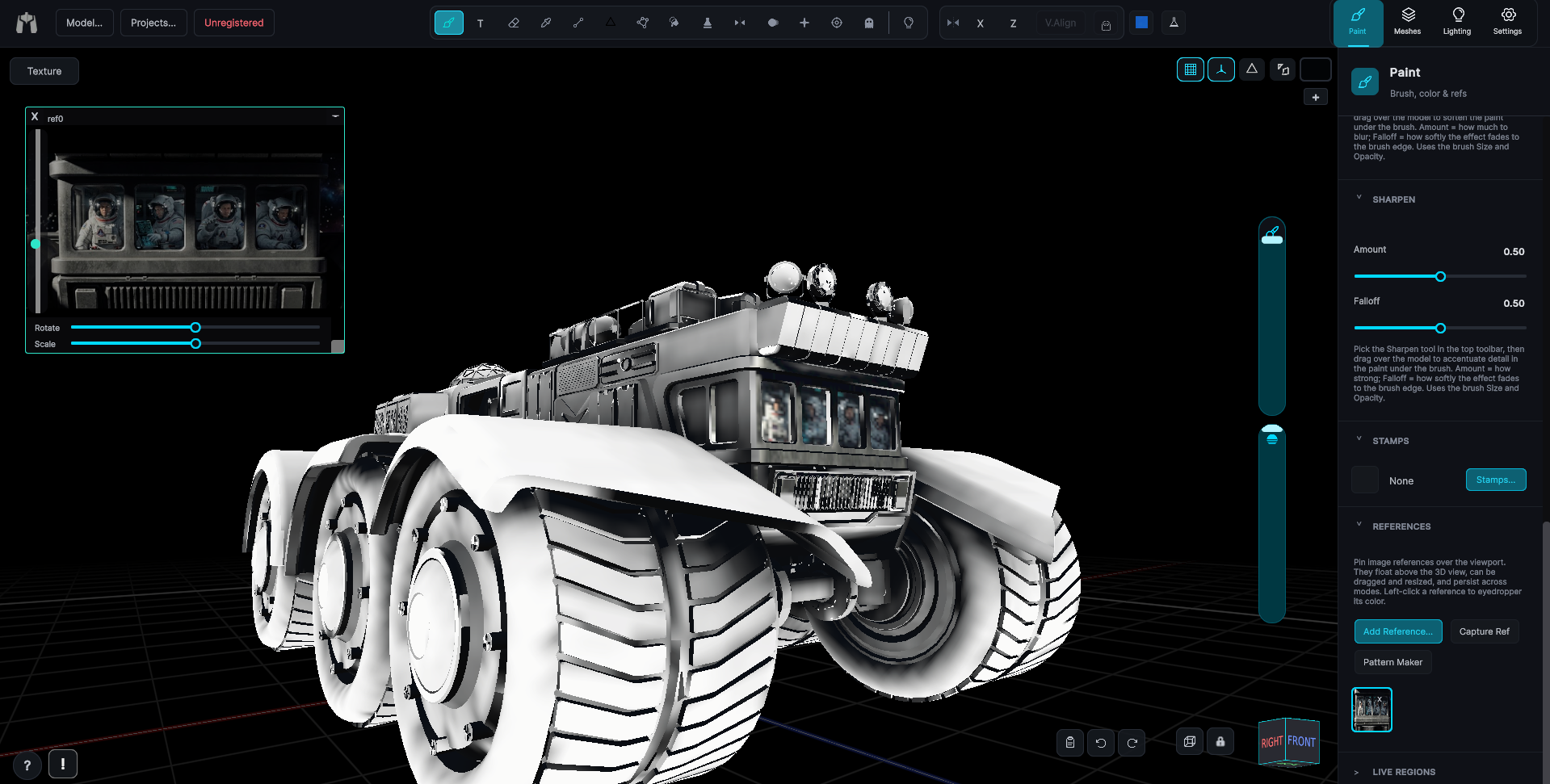
Lighting Bake
Set your key and ambient lights the way you want the model read, then bake that lighting into the map. Perfect for platforms like Roblox and Polytoria where the texture is doing all the work.
Some engines and viewers do no lighting of their own, the texture is the whole look. The Lighting Bake writes your scene lighting straight into the map so the model keeps its shading anywhere it lands. Set the key and ambient lights in the Lighting Preview until it reads the way you want, then Bake.
You choose how it reads
Because you set the lights first, the bake reflects your intent, not a fixed preset. Warm it, flatten it, or push a strong key for drama, then commit it to the texture.
- Bakes the key and ambient lighting you set into the base look.
- Lands on its own layer with adjustable opacity, fully non-destructive.
- Pairs with the AO bake for depth plus directional light.
Then keep painting
Like every bake, this one sits on its own layer. Dial it back, paint over it, or throw it away. Nothing touches your base texture until you merge.