MechaPaint / Formats & Specs
THE DETAILSFormats, specs, and PBR
Everything MechaPaint opens and everything it writes, the technical details, and what it paints in PBR.
It probably opens what you have
Drag it on, or use the file dialog. Notably, LightWave objects are read natively, every version from 6.0 to 2025, with each surface arriving as its own paintable submesh.
The fine print, minus the pain
PBR that looks right out of the box
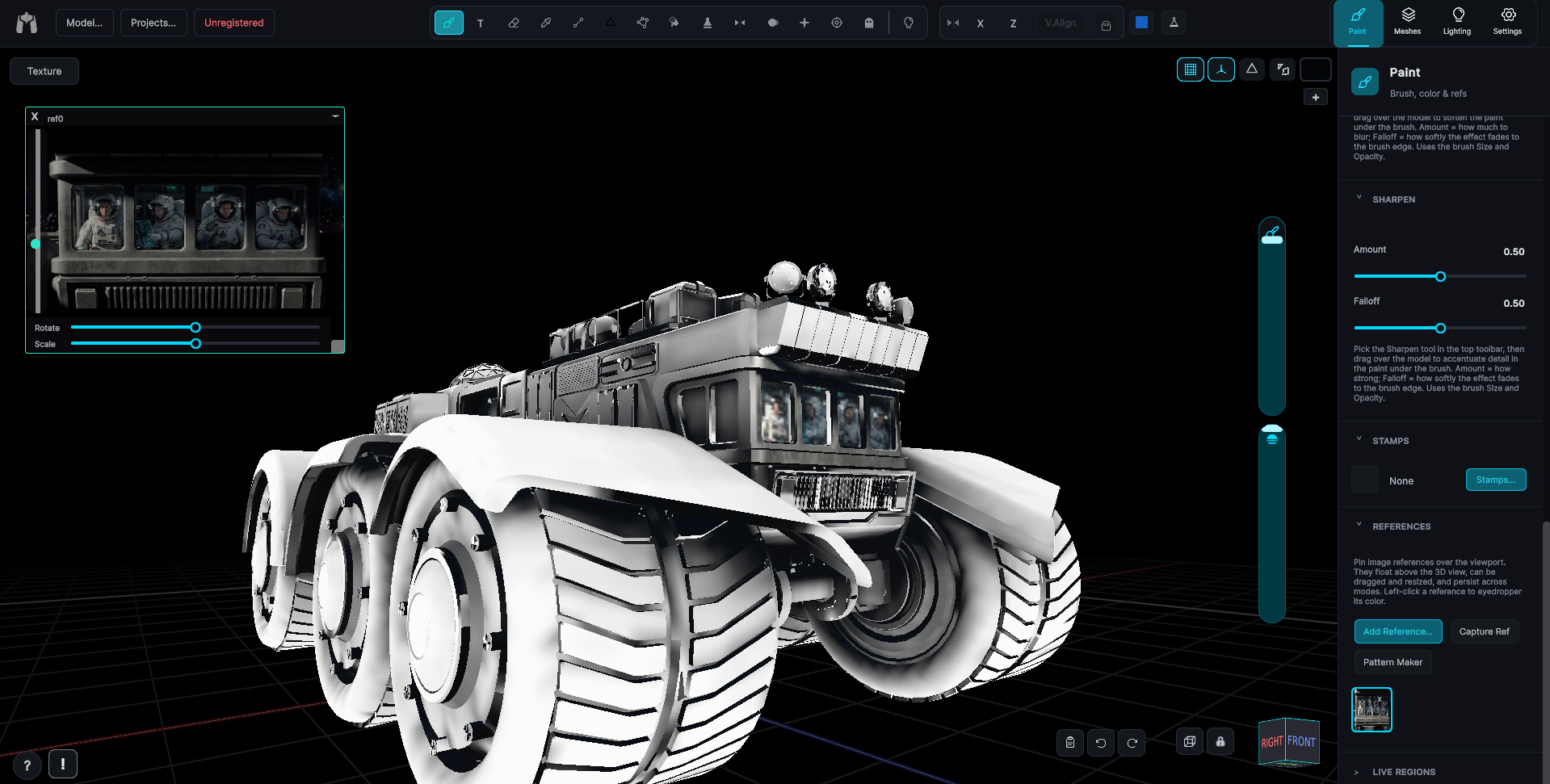
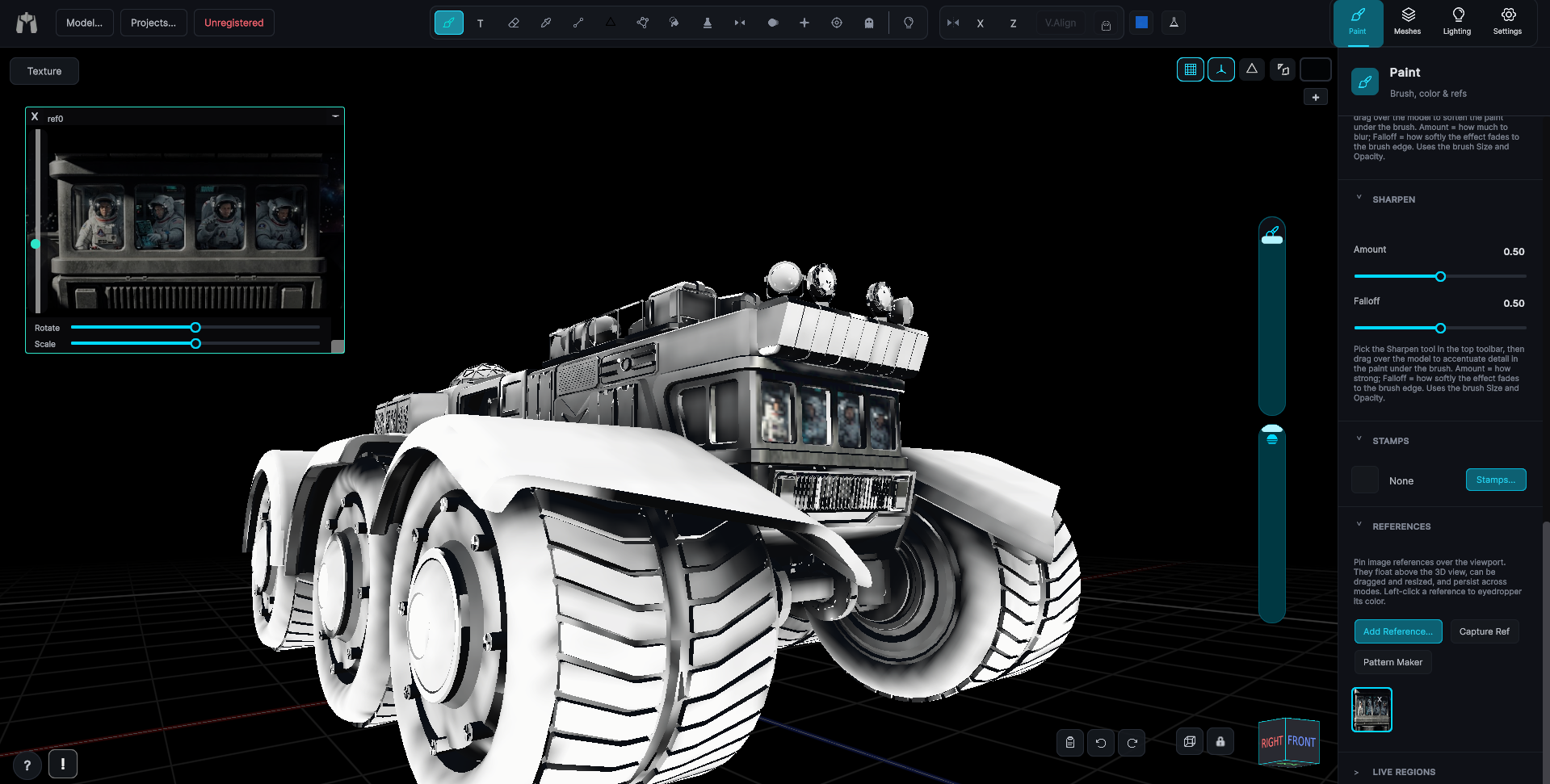
MechaPaint paints color and full PBR material sets. Every channel is a real layer stack, the PBR display matches ambientCG and PBR.ONE, and the export writes what you painted in your engine's naming convention.
I picked the interface first
A tool with every channel in the world and an interface that fights you is a tool nobody finishes a model in. I spent my time making the painting itself fast, obvious, and pleasant, and then built the channels on top of it. Every PBR channel rides the same brush, the same layers, and the same undo as your color.
Color is most of the work anyway
For an enormous amount of real production work, characters, clothing, props, mobile assets, Roblox and Polytoria items, stylized film work, the base color map plus baked occlusion is the whole job. That's what MechaPaint does, thoroughly, and the PBR channels are right there when a piece calls for them.
Paint with a whole material
Choose a material and paint with it like a color. Normal, roughness, metallic, and height go down together under the same stroke, with the tiling in step across every channel. Six channels under one stroke is, as far as I know, unique to MechaPaint. Of course, that only matters because it makes a rusted hull look rusted the moment you paint it. Free CC0 materials from ambientCG and Poly Haven are one click away, and the export names and packs the maps for Unity URP, Unity HDRP, Unreal, Godot, glTF, Roblox, or Substance.
More of MechaPaint