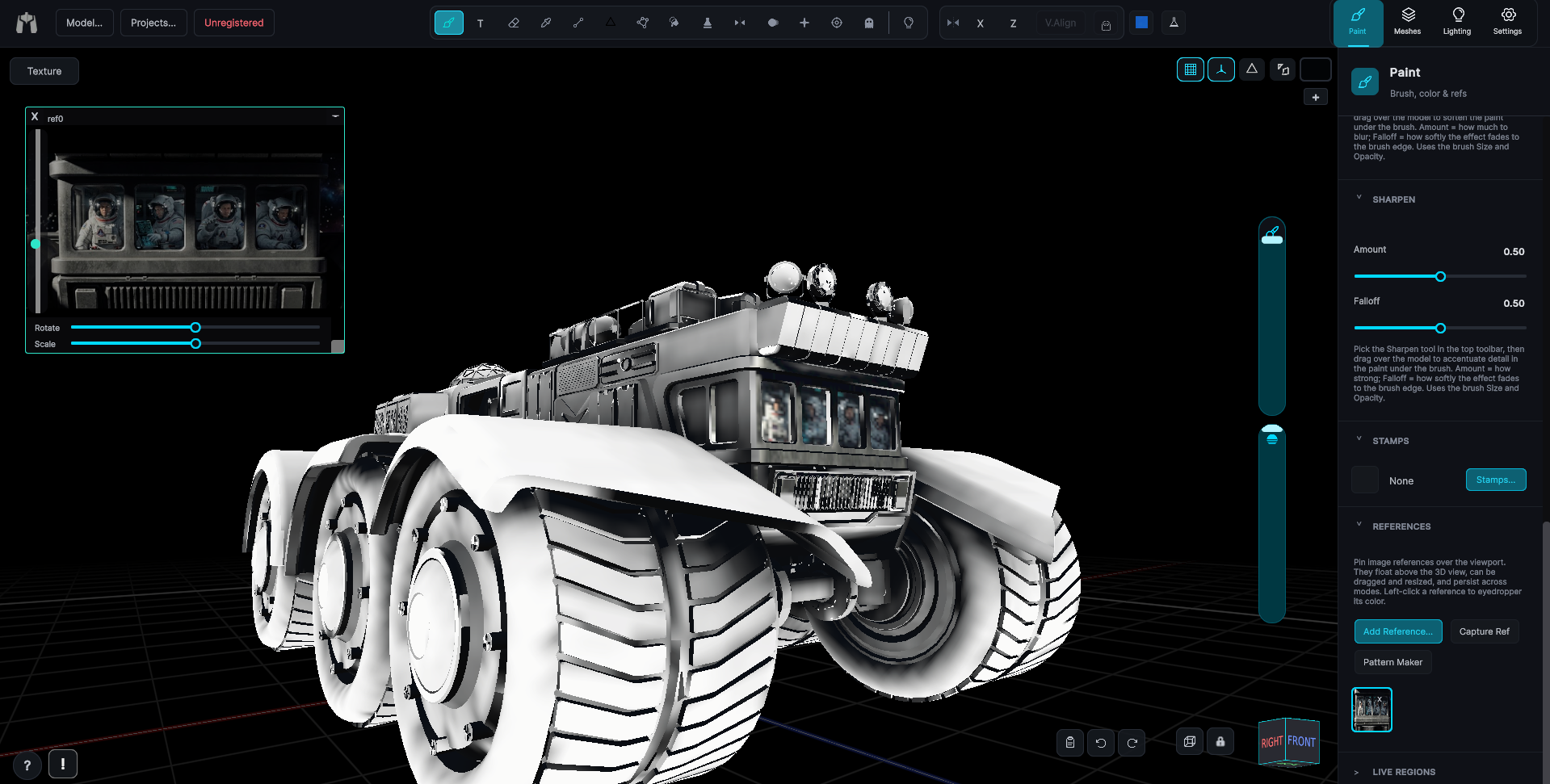
Brush
The default painting tool. Drag on the model to lay the current color onto the active layer.
Pick the Brush from the left dock and drag on the model. Each stroke is drawn as a smooth continuous ribbon rather than a row of stamped circles, so there is no dab banding and no alpha stacking where a stroke crosses itself. Pressure from a stylus drives the stroke. A mouse works too, it just paints at full pressure.
The brush tip comes from the brush library, or from one you draw yourself in the Brush Builder. Size and Opacity are the shared vertical sliders in the viewport, because every other brush-shaped tool uses the same two.
Option bar
Three thumbnails on the left show what the brush is made of, joined by plus signs because they combine into one result: the brush tip, the texture, and the color.
- Brush thumbnail - Opens the Brushes browser. Shows the selected tip tinted by the paint color, or a plain color fill when the default round brush is selected.
- Texture thumbnail - Opens the Textures browser. Blank when no texture is selected.
- Color chip - Opens the color palette. A solid disc of the current paint color.
- Hard - Hardness, 0 to 1. Edge hardness, from a soft feathered edge at 0 to a crisp edge at 1.
- Wrap - Wrapping, 0 to 1. How far the brush projection bends around curved surfaces when the decal projection is in use.
- Rot - Rotation, 0 to 360 degrees. The brush or stamp angle.
- Jitter - Rotation jitter, 0 to 180 degrees. Each dab gets a fresh random angle within plus or minus this many degrees, on top of Rot, so repeated stamps such as leaves, gravel or hatching each point their own way. 0 is off.
- Dist - Spacing, 2 to 100 percent of the brush size. The distance between dabs along a drag. Lower packs the dabs closer, so a slow drag lays a steady continuous stream instead of separate stamps. Holding still still lays no extra paint.
- Rope - 0 to 30 screen pixels, 0 is off. The brush trails this many screen pixels behind the cursor, on a leash drawn on screen. It smooths long sweeping strokes by cutting their corners, and a wobble smaller than the rope moves the brush not at all.
Mouse, stylus and modifiers
- Right-tap or Alt+tap - Picks up the color under the cursor without leaving the tool.
- Shift+click while painting - Connects a straight segment from the last point, so you can build a polyline.
- Hold Shift before pressing, then drag - Locks the stroke to one screen axis, horizontal or vertical, whichever way you move first.
- Scroll over the model - Sizes the brush by default. Swap this in Settings, Scroll Wheel.
- Stylus pressure - Drives size and opacity through your calibration curve, and strokes taper to a clean tip on lift-off.
Notes
Every option-bar value is remembered between sessions. The Brush is also the tool the app falls back to: Camerabrush, the Ghost tool's exit button, a new project and a dropped reference image all leave you holding the Brush.