Clone Stamp
Copy pixels from one part of the model to another, from a snapshot of the current view.
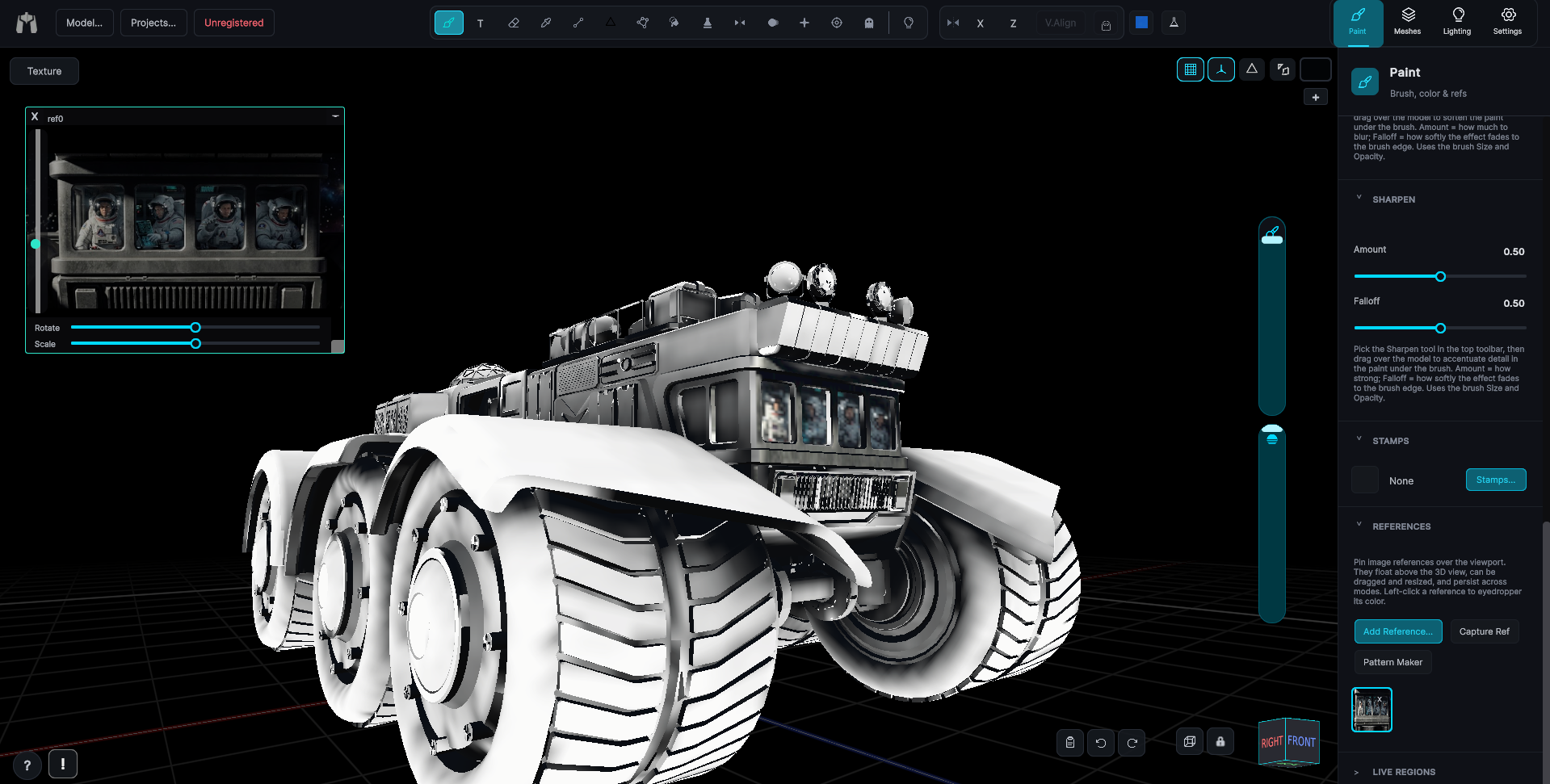
The source is a snapshot of the current view, so frame the area you want to copy first, then paint elsewhere and it comes across. It is symmetry aware, and a reference image window can be used as the source instead of the model.
How a clone goes down
- First quick click - Left, middle or right, as a click rather than a drag. It snapshots the view and records the source origin.
- Second press, left button - Records the anchor and starts painting. The source then tracks the cursor at the fixed offset between anchor and origin. Under symmetry the horizontal movement is inverted while the vertical tracks the cursor.
- Right-click at any time - Sets a new source and origin and clears the anchor.
- Left-click a clone-source reference window - Sets the source from that window's image instead of from the model. The window is brought to the front first so the composite is current.
Option bar
The Clone Stamp keeps its tool bar to a single hint that tracks what it is waiting for: "Click to choose a source location", "Click and drag to clone", "Click and drag to clone symmetrically", "Axis locked, drag to clone symmetrically at any zoom", or, when the mirror is coming from the view, "Axis lock unavailable, mirroring from the view, keep both sides on screen".
Lock, in the symmetry controls
Lock Axis pins the mirror to the model rather than to the screen, so you can zoom in on one side and keep going without the far side being visible. It works while symmetry is on, and symmetry going off resets it. It carries the accent color while on, and goes amber when it is mirroring from the view instead.
Notes
- The camera is locked while a stroke is held. One undo step per stroke.
- Size and opacity are the shared brush values, and Auto Fix Seams applies.
- Masking tape protects taped texels both in the preview and at commit.
- Selecting the tool closes the Masking Tape window and clears any active reference overlay, because both would land in the snapshot.
- The snapshot is view-dependent. Re-framing the camera without re-sourcing changes how the projection lands.