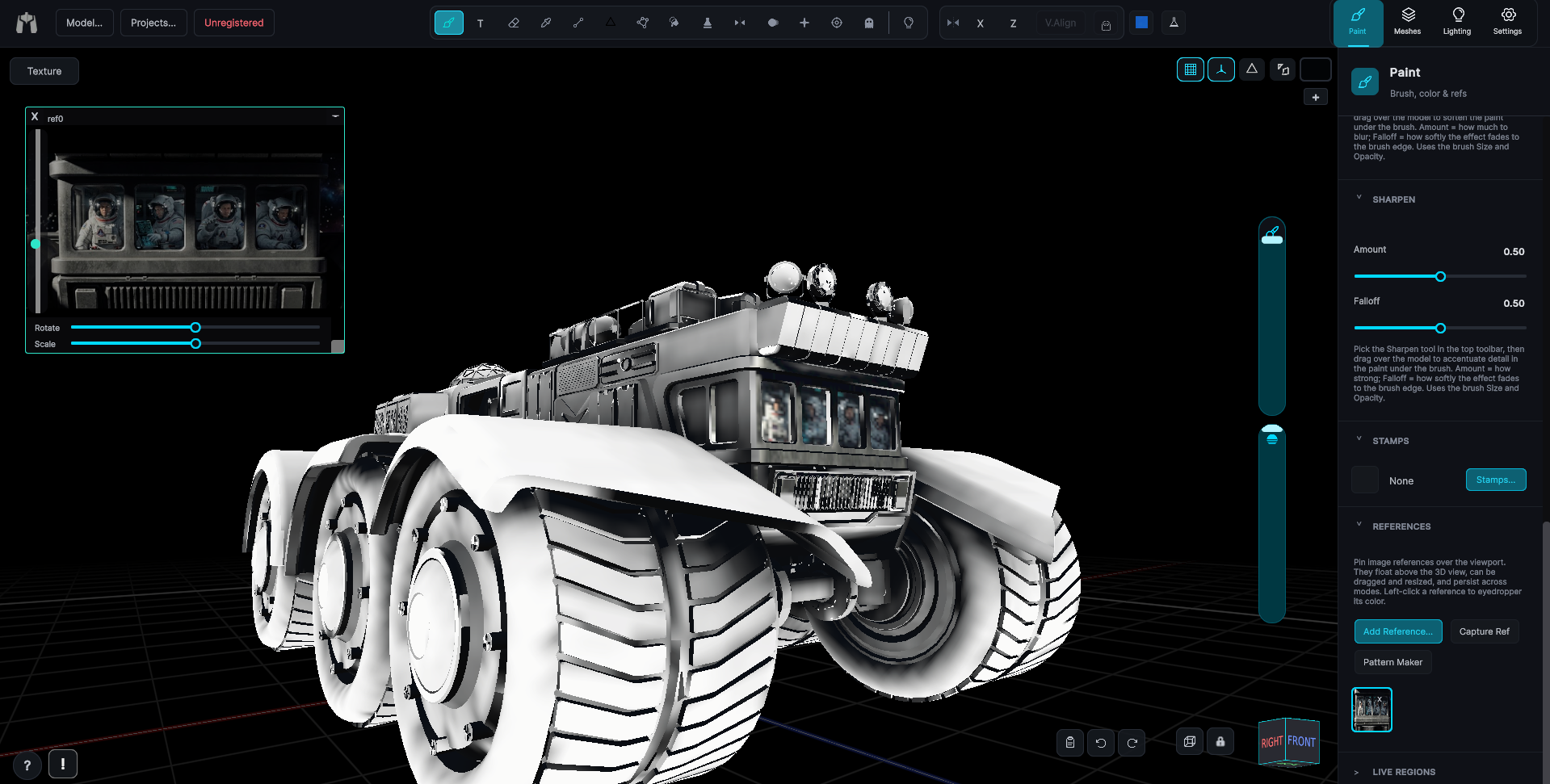
Rebuild UVs
Generate a fresh, clean UV unwrap in one step, and keep your paint.
VIDEO ON THE WAY
Final video is on the way, thank you for your patience!
Rebuild UVs... in the Mesh Tools (flask) window generates a brand-new UV unwrap for the loaded model, saves a new OBJ, reloads it, and re-applies your current paint as a UV Transfer layer, one atlas per submesh.
- Resolution, Padding, and Quality options on the unwrap.
- Reads the existing textures and remaps them onto the new layout automatically.
- You end up with a far better map on a model that looks exactly the same, no manual re-unwrapping, no re-baking.
A one-click re-unwrap that carries your paint across to the new layout is something I have not seen in any other paint app. Of course, that is only worth bragging about if it saves you an afternoon of redoing work you already did.