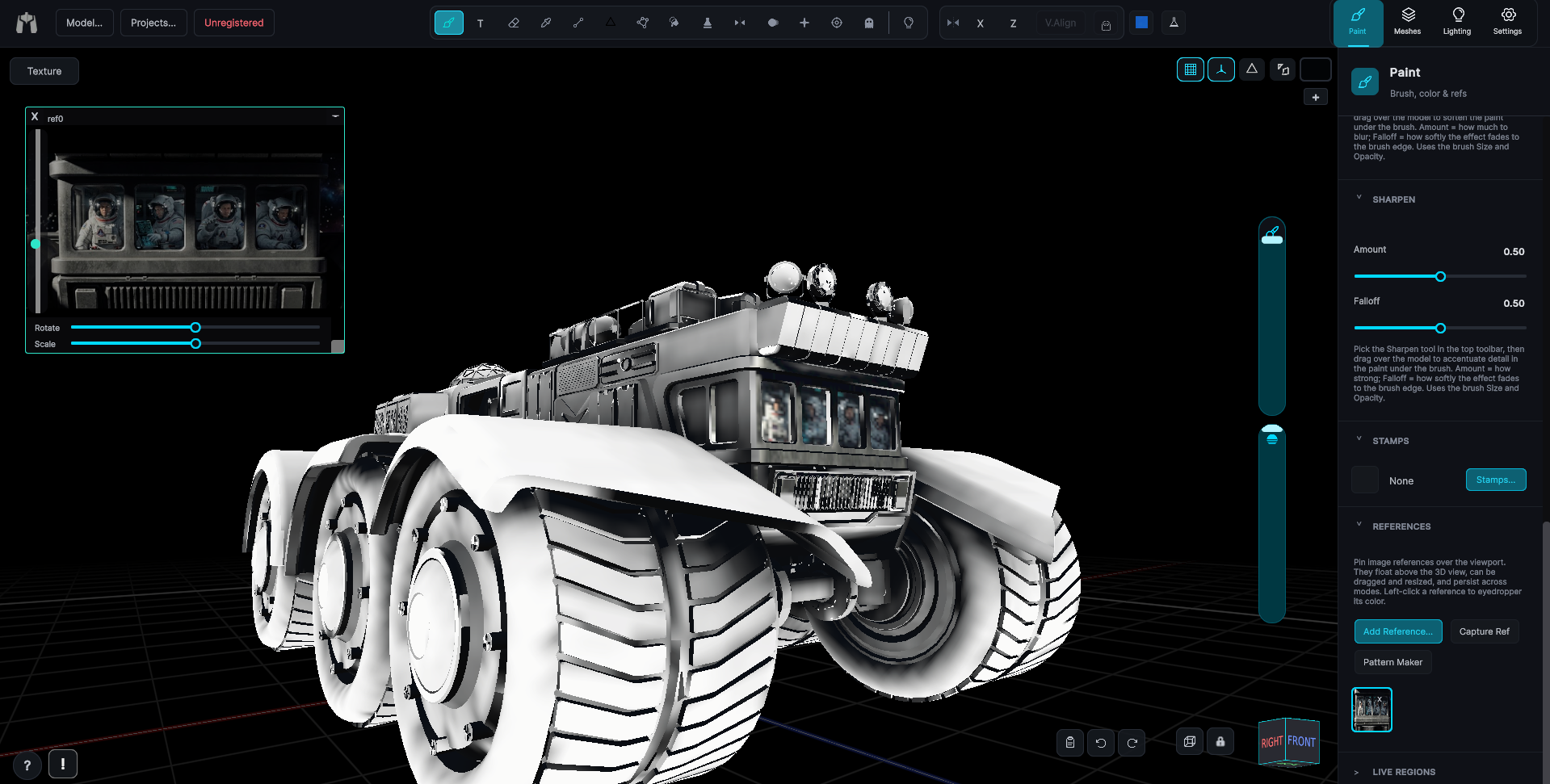
View Cube & Face Tool
Snap head-on to any axis, or click a face to look straight at it.
VIDEO ON THE WAY
Final video is on the way, thank you for your patience!
The orientation view-cube (bottom-right) rotates with a drag. A quick click on a face snaps head-on, and a double-click gives a true axis view looking down the world axis through the origin. Edge strips constrain rotation or panning to a single axis.
Face tool
The Face tool (in the Focus flyout) rotates the camera to look straight at whatever surface you click and recenters the orbit pivot on the hit point, then shows a Reset Camera button to return exactly where you were.
Ortho / perspective
An Ortho toggle in the fab row switches between orthographic and perspective projection for precise, distortion-free work.